Create your calendar
Choose a consultation, event, or class calendar. Set the available times and session details.
Let clients choose a time. Connect the booking to your website, payments, and follow-up. Give your business more room to grow.
Part of your connected Builderall marketing platform.
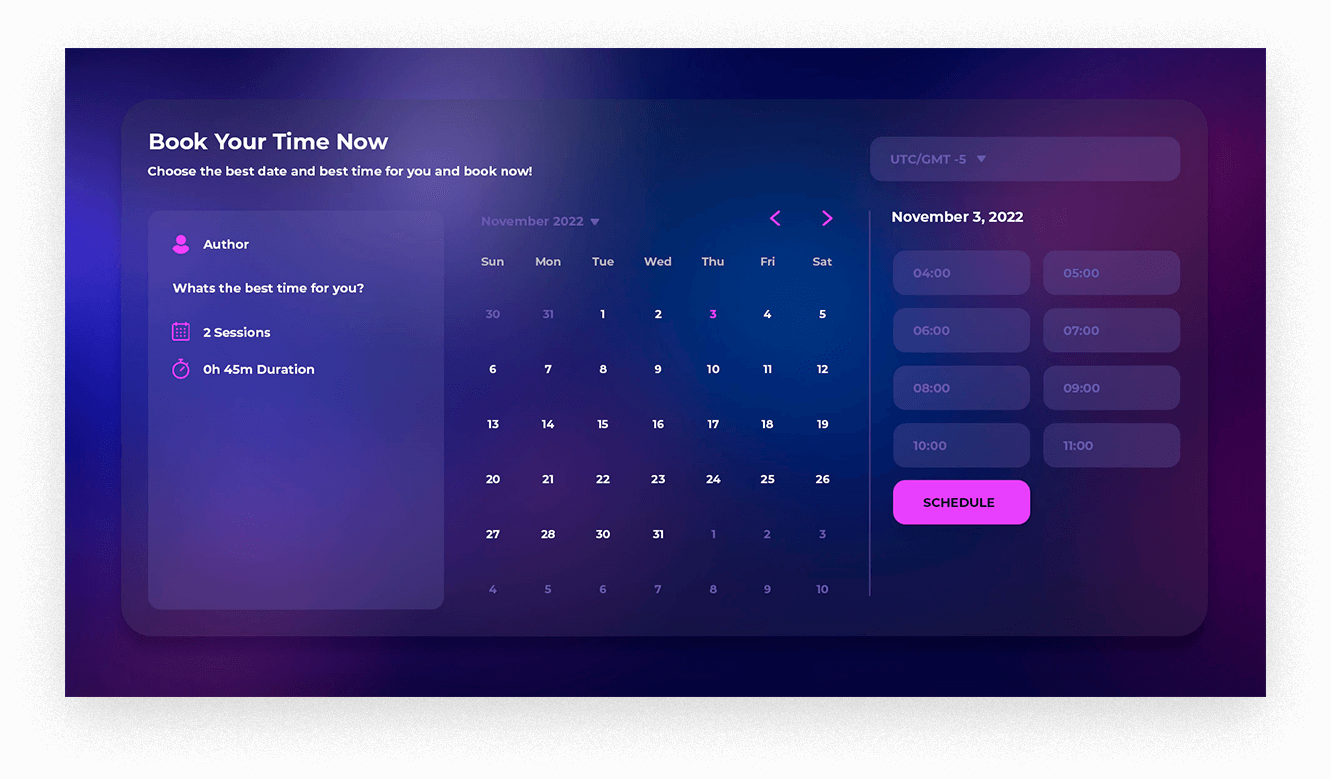
Make booking part of the same journey as discovering your business, paying for a service, and staying in touch.
Start with BuilderallPublish your availability so people can book a consultation without a long back-and-forth.
Sync appointments with Google Calendar and connect Zoom for online meetings and recurring classes.
Connect payments with Super Checkout, reminders with SMS, and email follow-up with MailingBoss.
From the first consultation to the next live class, give people a clear way to join you.
Offer available appointment times for coaching, mentoring, professional services, and client consultations.
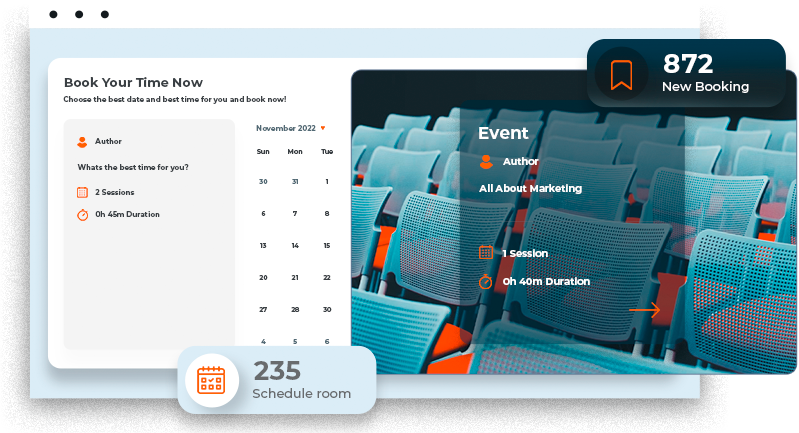
Show available places for webinars, launches, seminars, and local events. Keep registration and event communication connected.
Organize classes, regular meetings, and live sessions with scheduling that connects to Zoom.
Choose a consultation, event, or class calendar. Set the available times and session details.
Link your calendar, meeting tools, payment options, and the messages clients need next.
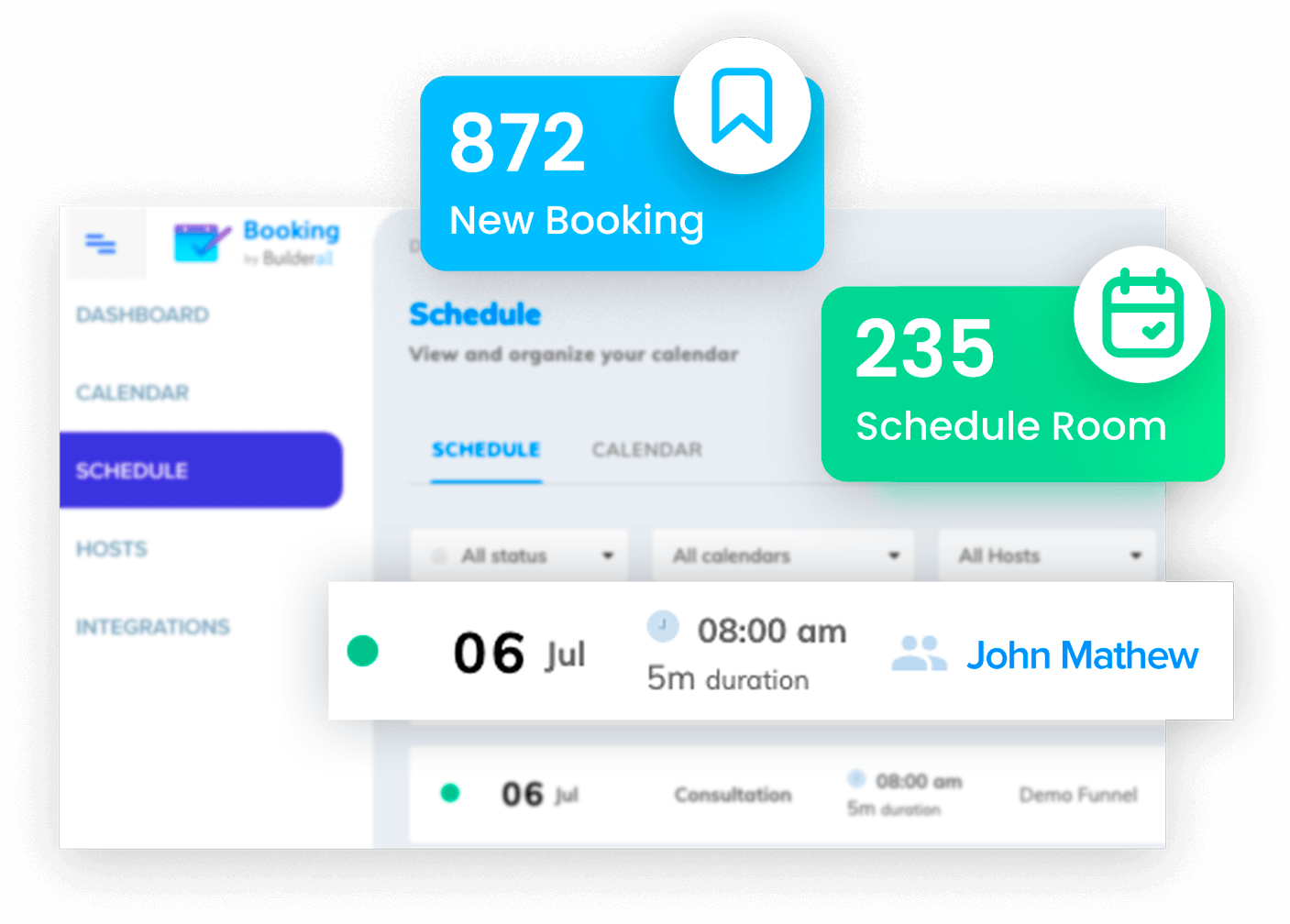
Bring scheduling into your customer journey and manage your upcoming appointments in Booking Builder.
The tools around your calendar help turn an appointment into an ongoing customer relationship.
Create the website or event page that brings people to your calendar.
ExploreKeep your contacts and email follow-up connected to the booking journey.
ExploreCollect payment as part of scheduling a paid service or session.
ExploreSend registration confirmations and event reminders.
ExploreA site introduces your business. A booking gives someone a way to work with you. Bring your AI-created website into Builderall and connect it to the marketing tools your business needs.
Explore AI website hostingCreate calendars for consultations, events, classes, and meetings. The existing product supports appointment availability, event places, and recurring sessions.
Yes. Booking Builder supports Google Calendar synchronization and Zoom integration for online meetings and classes.
Yes. Connect Super Checkout to collect payment during scheduling. Your payment setup and available plan features determine how you use this integration.
Booking Builder connects to SMS for confirmations and reminders, and to MailingBoss for email marketing. Configure the messages and integrations for your workflow.
You can start exploring Builderall with a free account. Product access, usage limits, and paid services depend on your plan. Compare current plans for Booking Builder availability.
Connect your calendar to the website and marketing tools that help your business grow.
Get started free